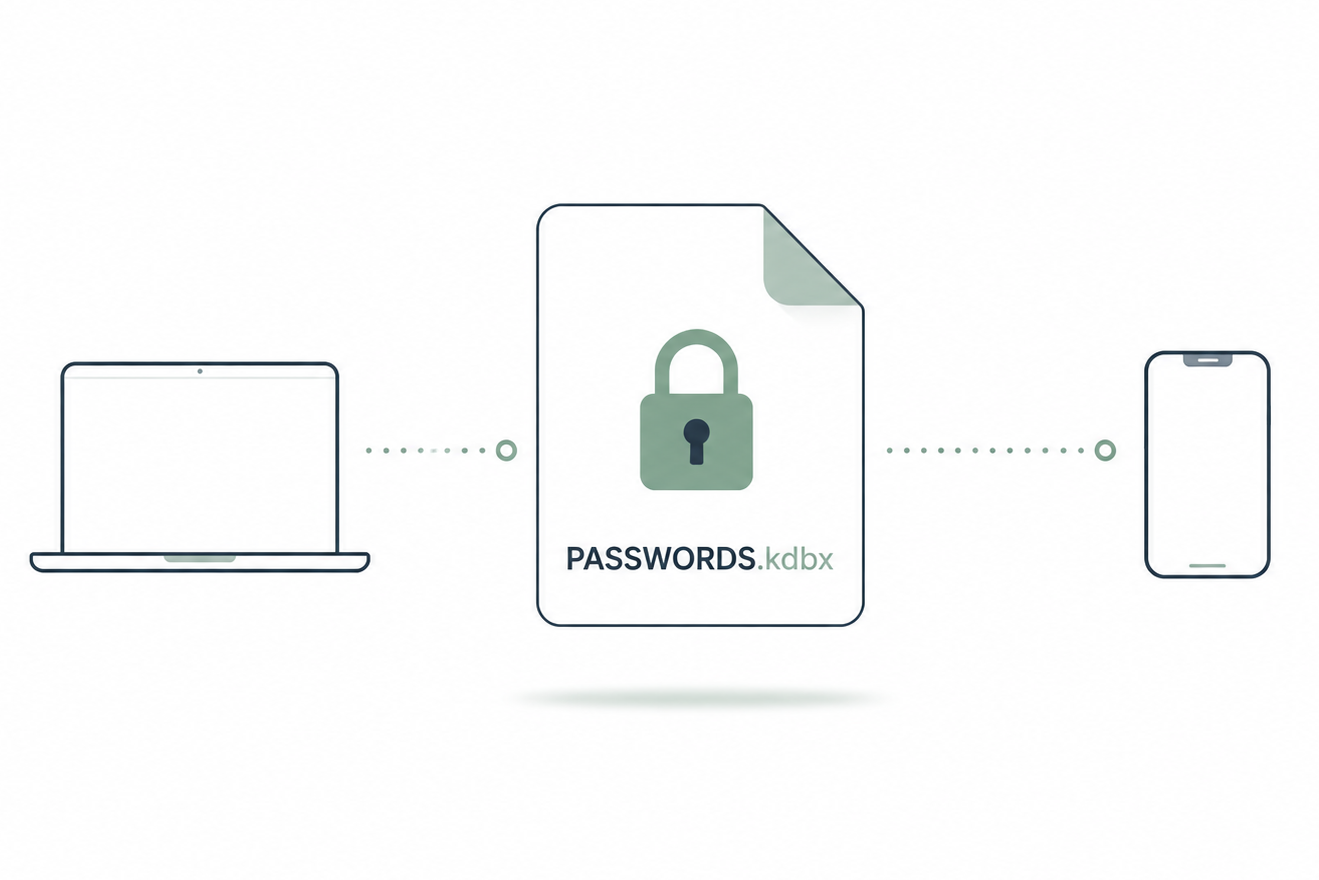
I have been a satisfied user of online password managers for many years. It is a brilliant invention that enables people to set a unique and hard-to-guess password for every account they have. Recently, I have started using KeePass-based password managers, where I manage my own password database.
1Password
1Password was my first introduction to password managers. It’s a great service that allowed me to remember complex passwords and synchronise them across my phone and computers. I used 1Password happily for many years.
Unfortunately, the world changed. Geopolitical relations became more strained, and the relationship between the European Union and the United States also became less certain. As a result, I began to think more about my dependence on online services and infrastructure outside Europe. I started to feel increasingly uncomfortable about my reliance on 1Password
Although 1Password is provided by the Canadian company AgileBits Inc., it uses Amazon Web Services (AWS) for its infrastructure.
Users can choose to store their encrypted password data within the EU. However, even with a European account, the 1Password app still connects to infrastructure outside the EU, including 1Password.com and AWS servers in the United States. For me, this meant I remained dependent on US infrastructure – something I specifically wanted to avoid as much as possible.
I therefore started looking for a European alternative. As I also wanted to host my email in Europe, I ended up choosing Proton Pass.
Proton Pass
A year and a half ago, I switched to Proton as my email provider and immediately switched to Proton Pass as my password manager as well. Proton AG is a Swiss-based company with a good reputation for security and privacy. Although the company is not based in the European Union, Switzerland has strict data protection and privacy regulations.
I must say that I’ve enjoyed using Proton Pass, but even now I’ve started to have my doubts. My access to all my passwords depended on a single service provider. What would happen if, for whatever reason, I could no longer log in to Proton, or if the service went down completely? I wanted to be in control myself and manage the password database on my own hardware. I also wanted to switch to open-source software as much as possible. This led me to use KeePass-based password managers.
KeePass
The main difference between my previous password managers and KeePass-based ones is that my passwords are now stored in an encrypted database file that I own. I can decide for myself where that file is stored and how I synchronise it across my devices. This makes it easy for me to switch storage providers or KeePass programmes.
The KeePass programme itself was not an option for me. It is only compatible with Windows and feels a bit outdated. It didn’t meet all my requirements. In the end, I settled on using KeePassXC and KeePassium. Both programmes are based on KeePass and can use the same KeePass database.
KeePassXC
I use KeePassXC on macOS and Linux. The browser extension allows me to fill in passwords with a single click. Unfortunately, KeePassXC does not have an app for iOS or Android.
KeePassium
At the moment, I’m still using an iPhone. If it gives up the ghost, I plan to switch to a phone running the /e/OS operating system. Until then, I’m using KeePassium on my iPhone, which also allows me to fill in my login details with a single click.
KeePass database
KeePassium and KeePassXC use the same database. The database is stored on my own home server and is synchronised across my devices. Within my own network, this synchronisation works even if the internet connection goes down. I’ve also set up automatic backups of the database.
In conclusion
My switch to KeePass does not mean that I think 1Password and Proton Pass are poor password managers. On the contrary, I have enjoyed using both services and, for many people, they are excellent choices.
For me, however, it has become important that my access to my passwords isn’t dependent on a single company or on a working internet connection. With KeePass, I manage my passwords myself; I can decide for myself which software to use and where to store my database.
On the other hand, this has brought with it an added responsibility. I have to ensure that my database is properly synchronised and that I have a sound backup strategy. I am personally responsible if I slip up somewhere. This is less hassle-free than using a service like 1Password or Proton Pass, but for me, the extra control more than makes up for that responsibility.
Ultimately, my switch to KeePass was therefore not so much a search for a better password manager, but for greater control over my own data.